






 DeezerTraining project · 2026
Finding your music again, intelligently
Turning the library into a space for rediscovery.
- The problem
- 4/5 leave the app to find a track they have already saved.
- What we designed
- Library search, contextual groupings and filters.
- What the tests showed
- The most common blocker was not visual: it was the labels.
- My part
- I worked on the separation between the global search and the library.
- Deliverable
- mockups, prototype
- Role
- research, UI design, user testing
- Context
- training project, The Design Crew
- Team
- 3 product designers, shared work on every feature
- Duration
- 2 weeks
- Methods
- 5 interviews, 4 user tests
Context
A library that became unmanageable
Playlists pile up, get duplicated, go out of date. The mental load of keeping them organised outweighs the perceived value.
“I know I liked it, but I go through Google”
Interview findings
- 4 sur 5 : Leave the app to find a track they have already savedThey turn to an external search engine or to lyrics online
- 5 sur 5 : Remember a listening context, never an exact titleTime-based, emotional or situational cues
- 3 sur 5 : Keep playlists they no longer openUpkeep costs more than the perceived benefit
- 2 sur 5 : Use their listening history as a de facto libraryA retrieval method built through use
How can we turn the Deezer library from a passive storage space into a search and smart retrieval tool, aligned with the way users mentally categorise their content?
Discovery
Do not ask users to organise: learn to find things the way they remember them.
From passive storage to assisted retrieval
Understanding how other products help people find personal content when they have forgotten its name.
- Advanced filters on the existing searchDoes not address partial memory: you already need to know the titleDropped
- A tag system applied manually by the userAdds an organising burden that interviewees had already rejectedDropped
- An explicit separation between the catalogue and the libraryDeals with the confusing results at no cost to the userKept
- Groupings generated from the listening contextUses the cues mentioned in interviews, with no input effortKept
Design
The catalogue and the library never mix.
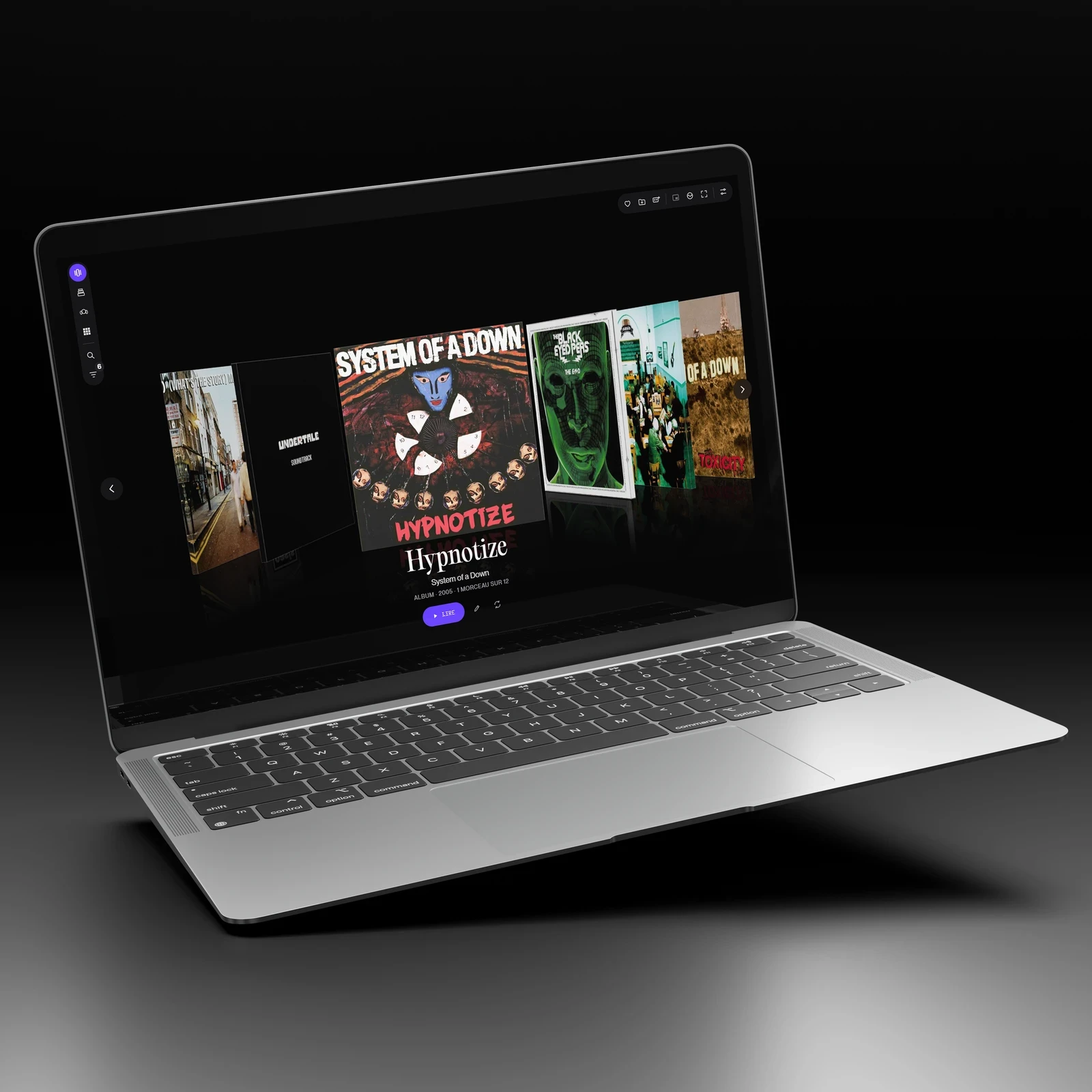
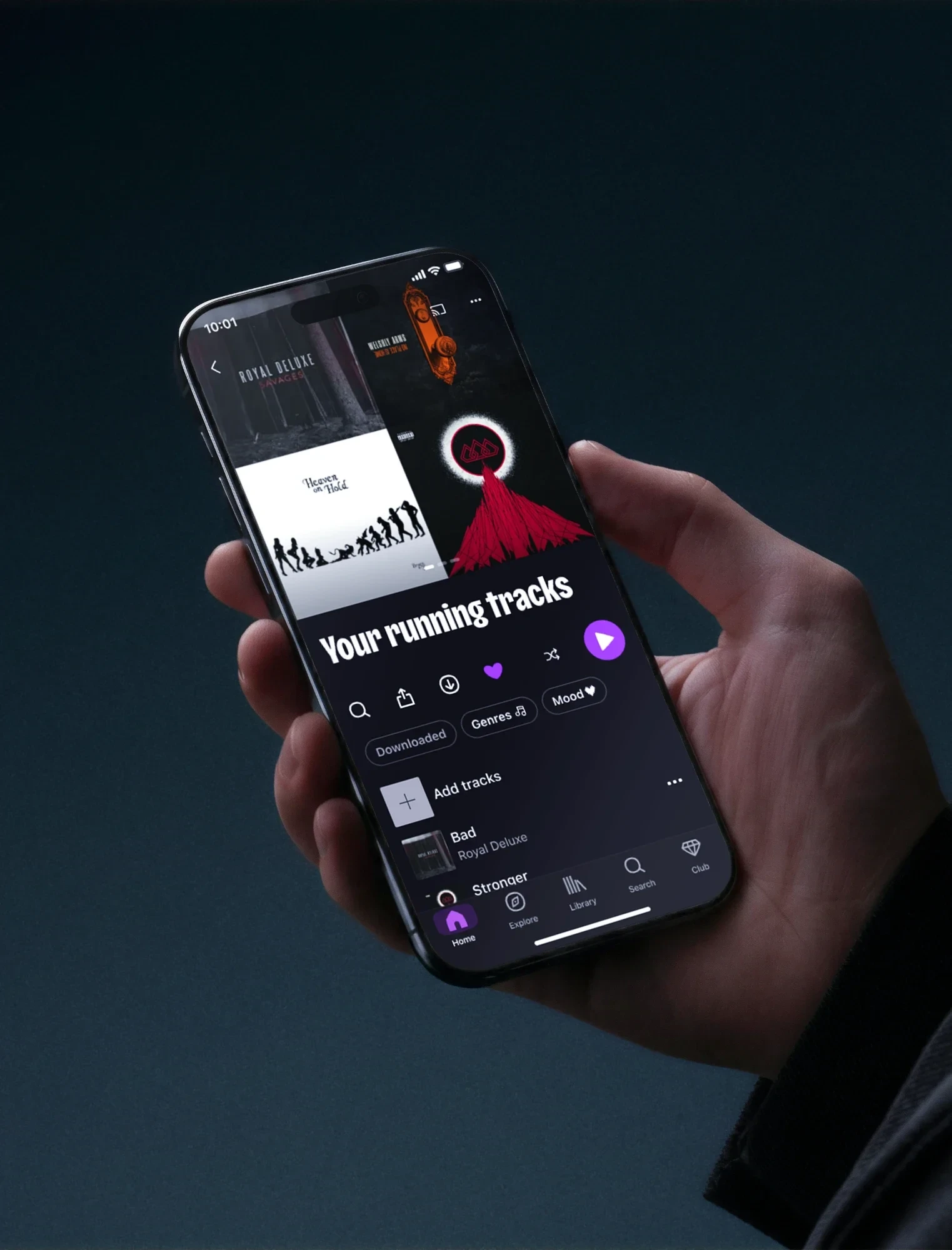
Library search, contextual groupings and filters
The screens shown here are from the final version. The tests run on the previous version led to the fixes listed in the next section.
Design principles
- No inputNothing relies on the user organising things manually.
- No invented elementsEach screen extends the Deezer design system instead of replacing it.
User flows
Library search
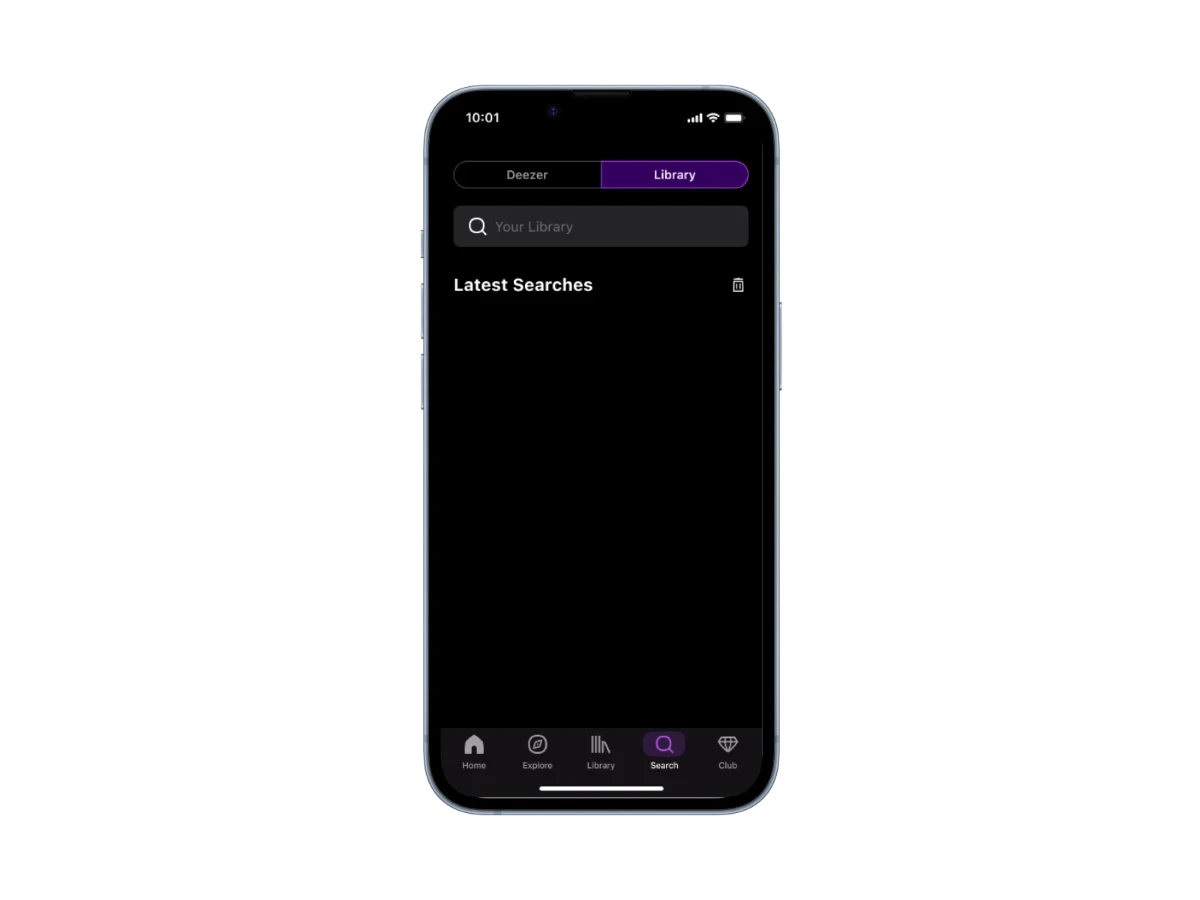 The library on its ownThe catalogue stays out of view
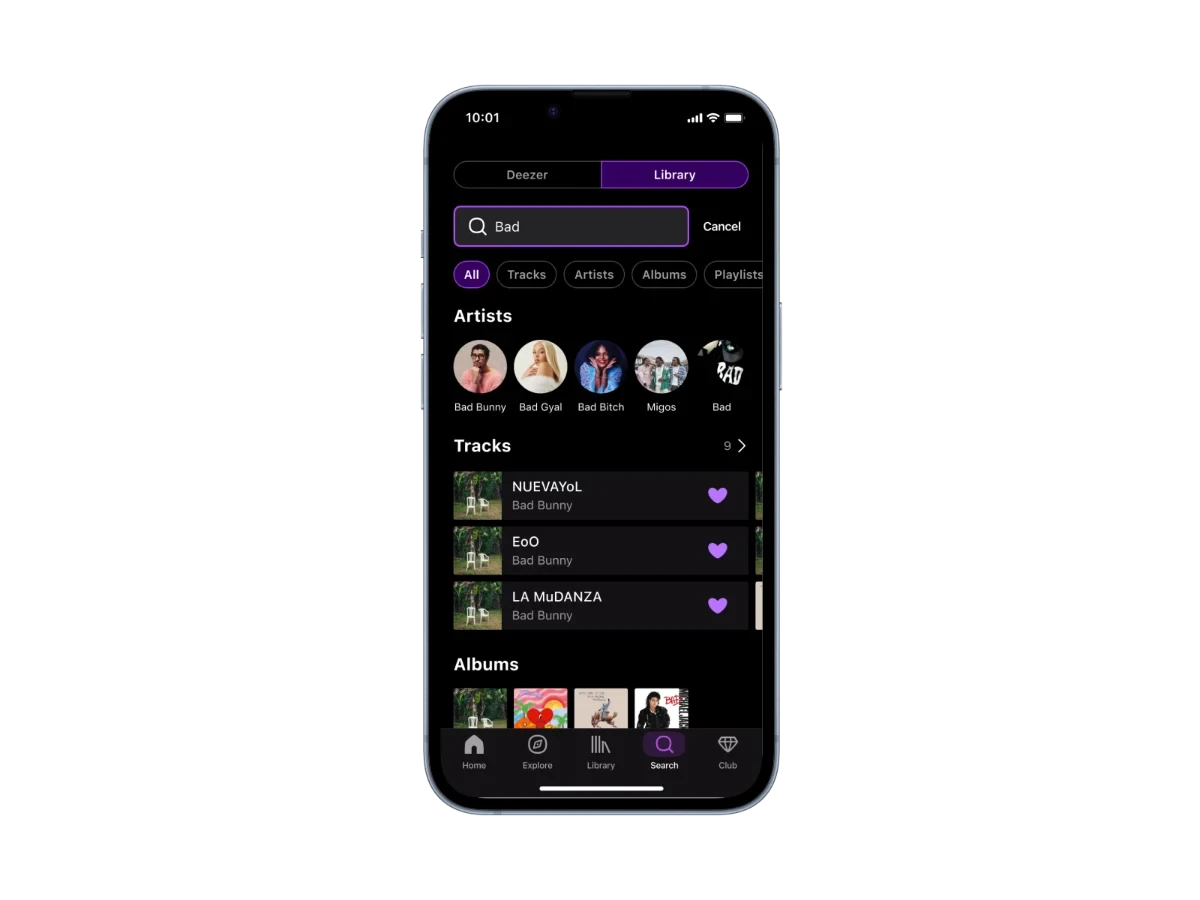 Filtered saved resultsArtists, tracks and albums
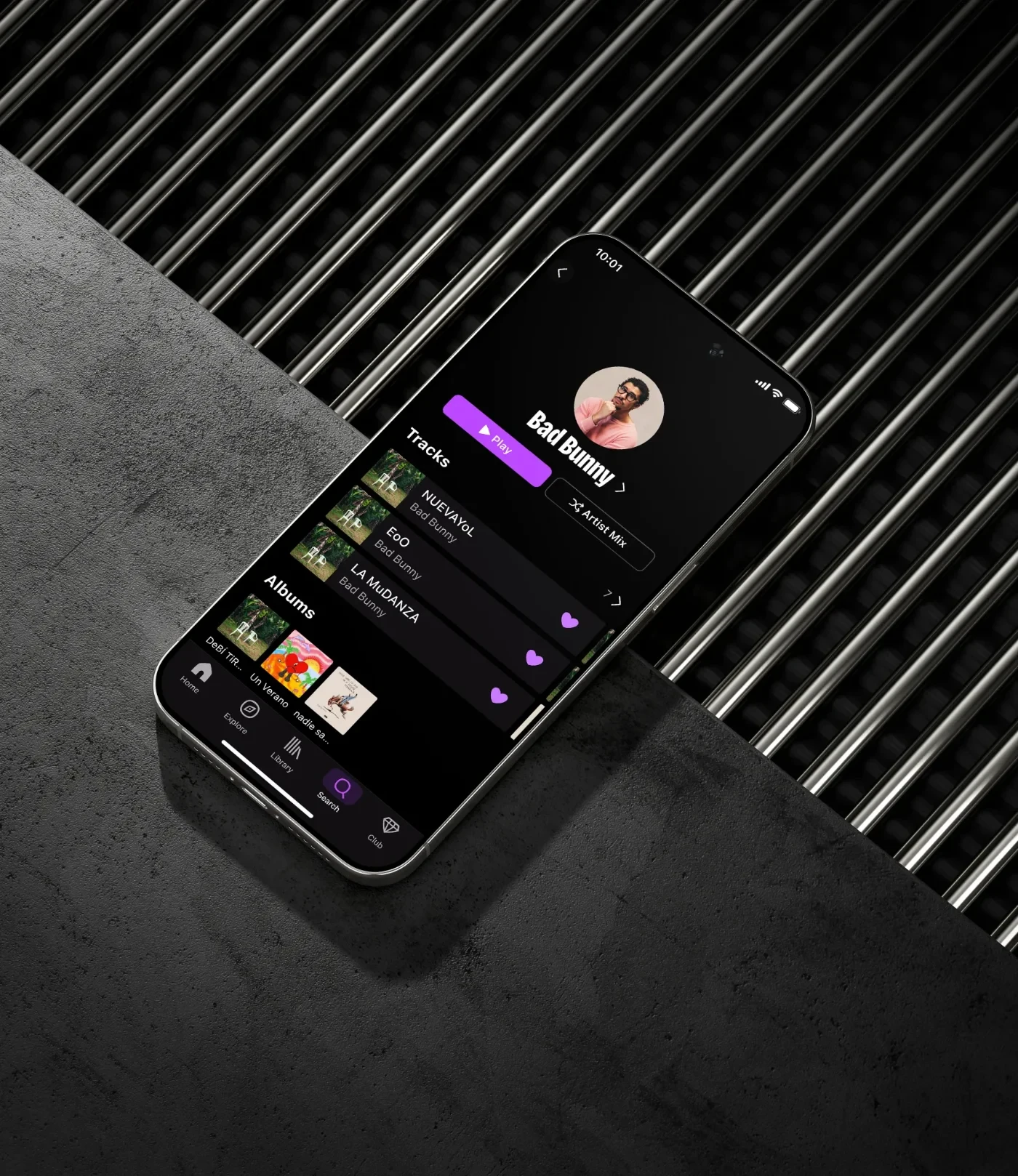
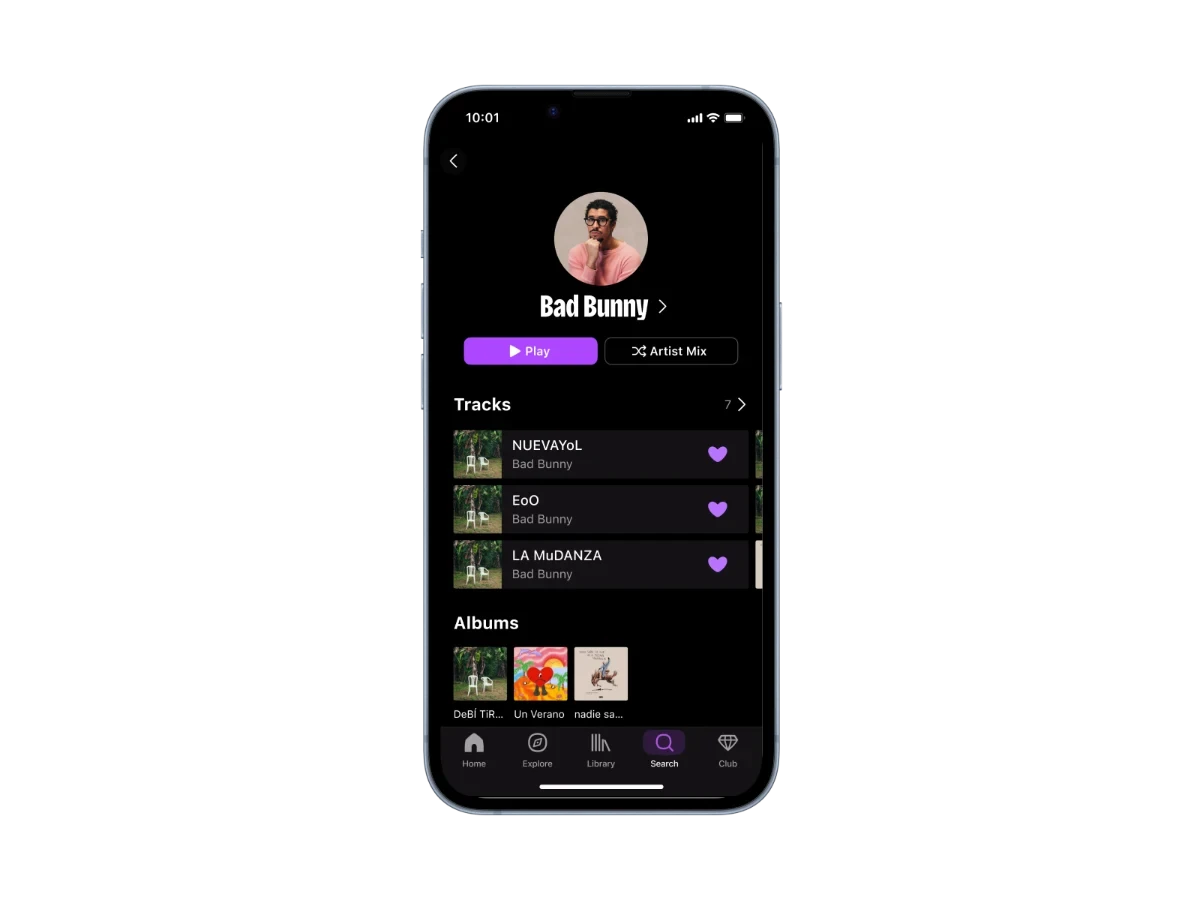 Artist viewOnly liked tracks come up
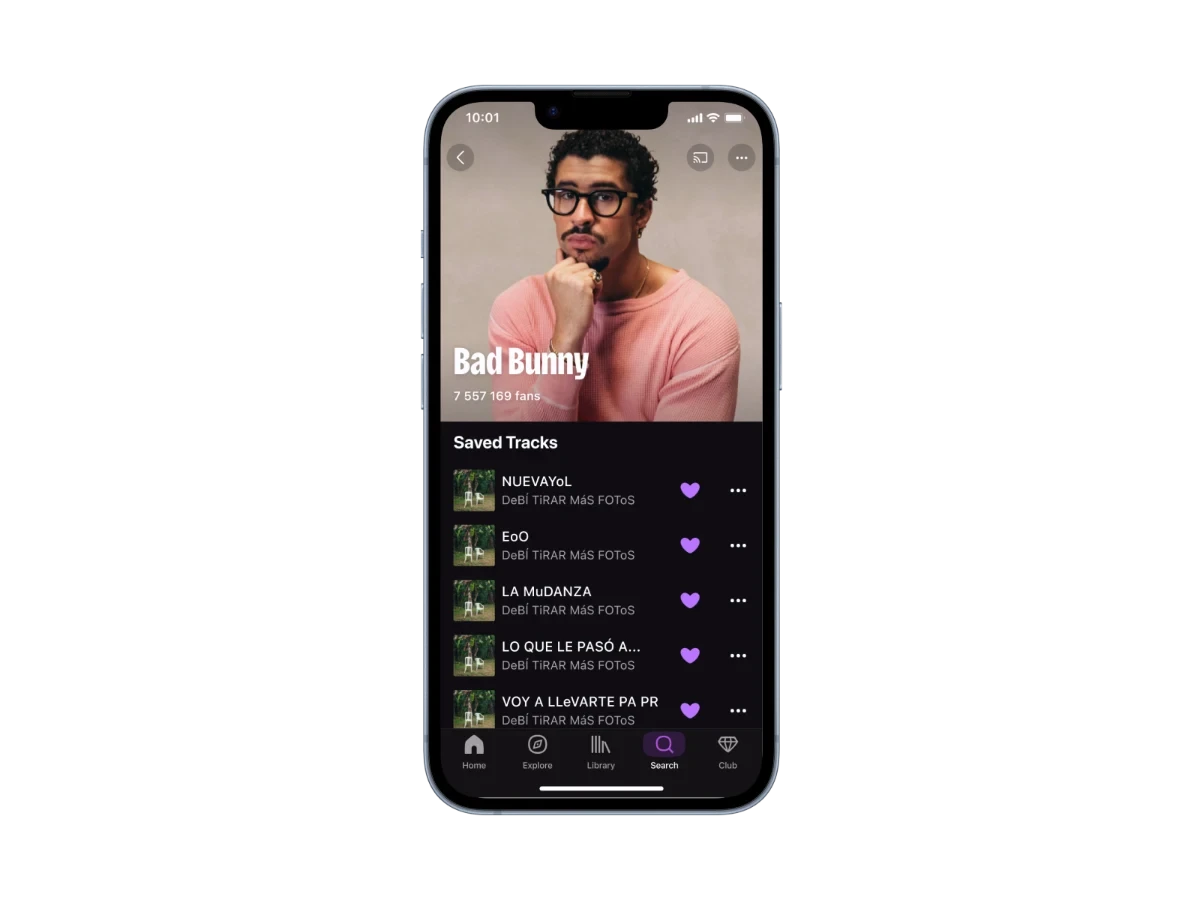 Track foundWithout leaving the app
A dedicated tab rather than a filter: the separation becomes a place, not an option.
Contextual groupings
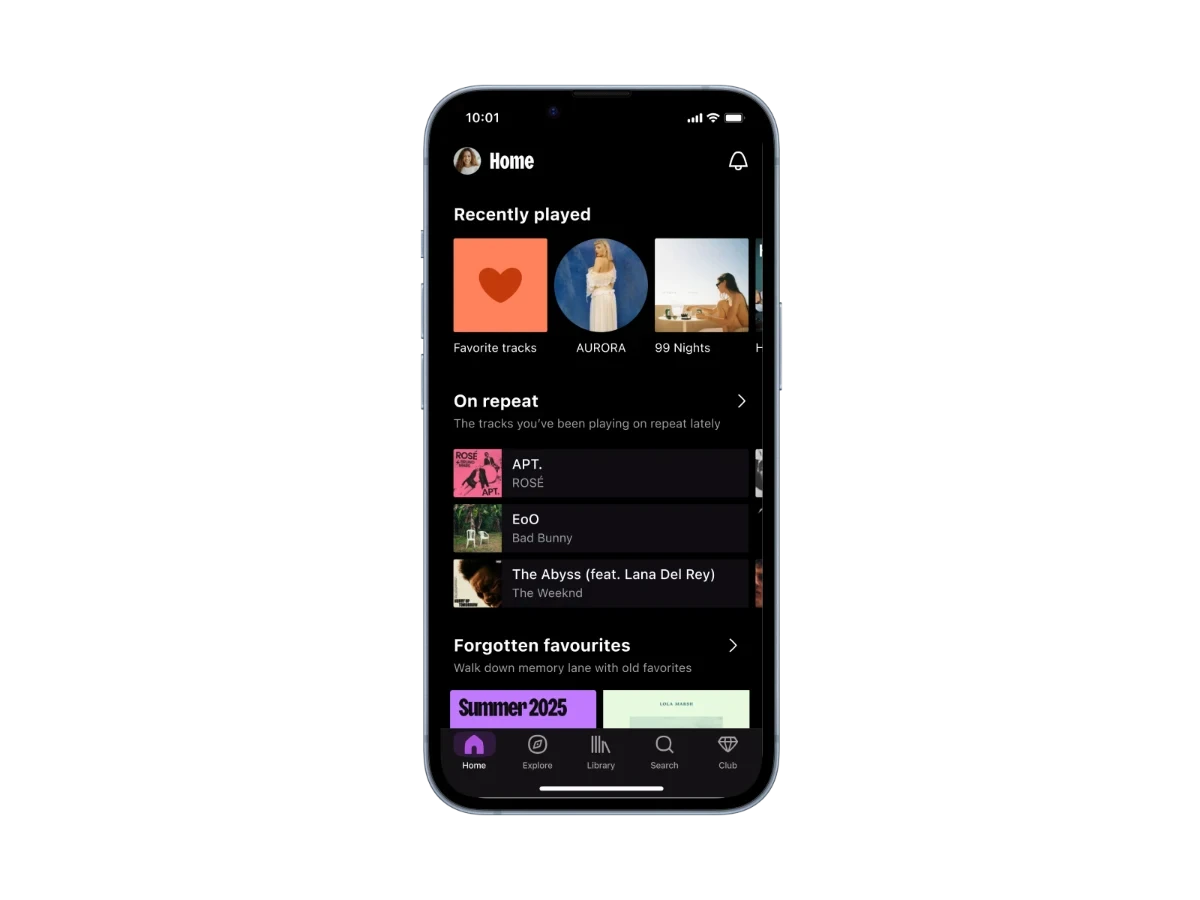 Home pageThe groupings appear there on their own
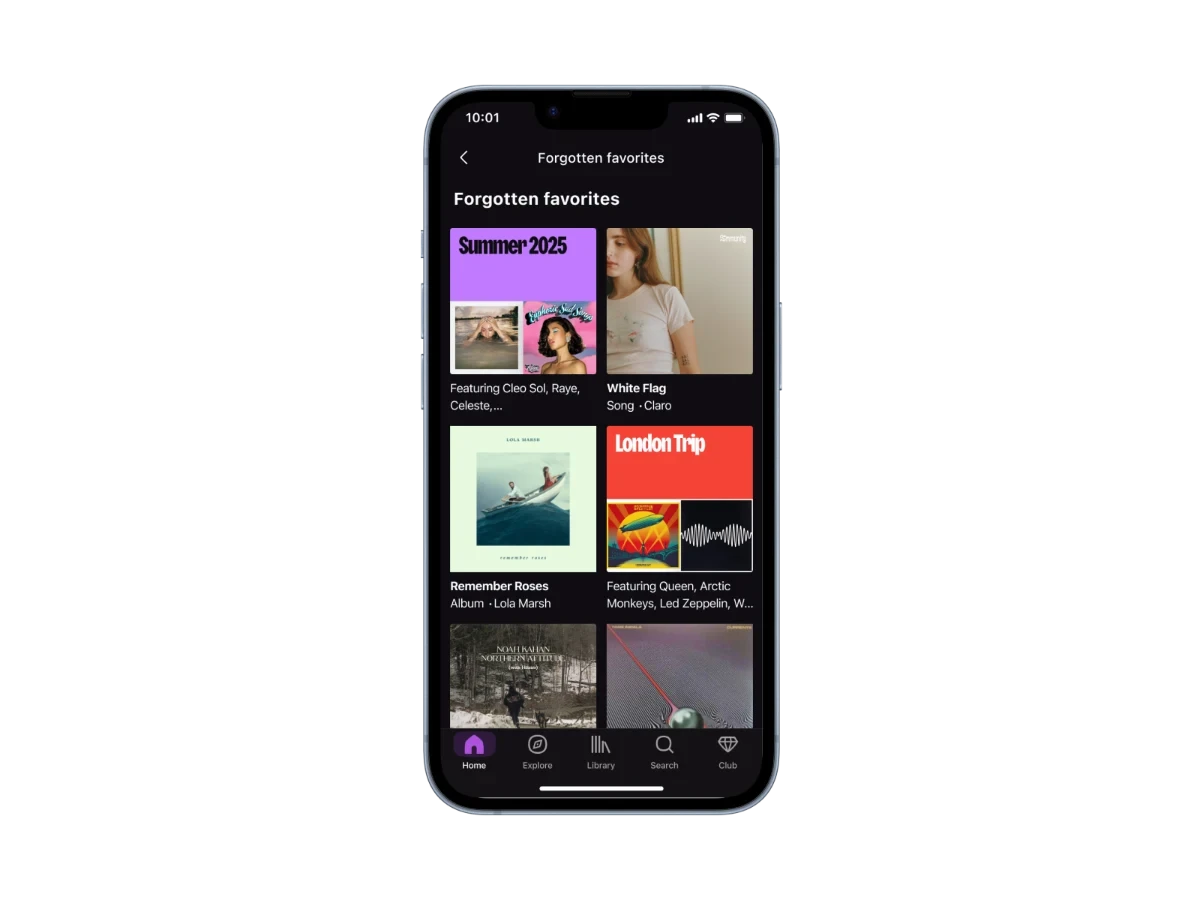 Forgotten FavouritesThe tracks that listening habits left behind
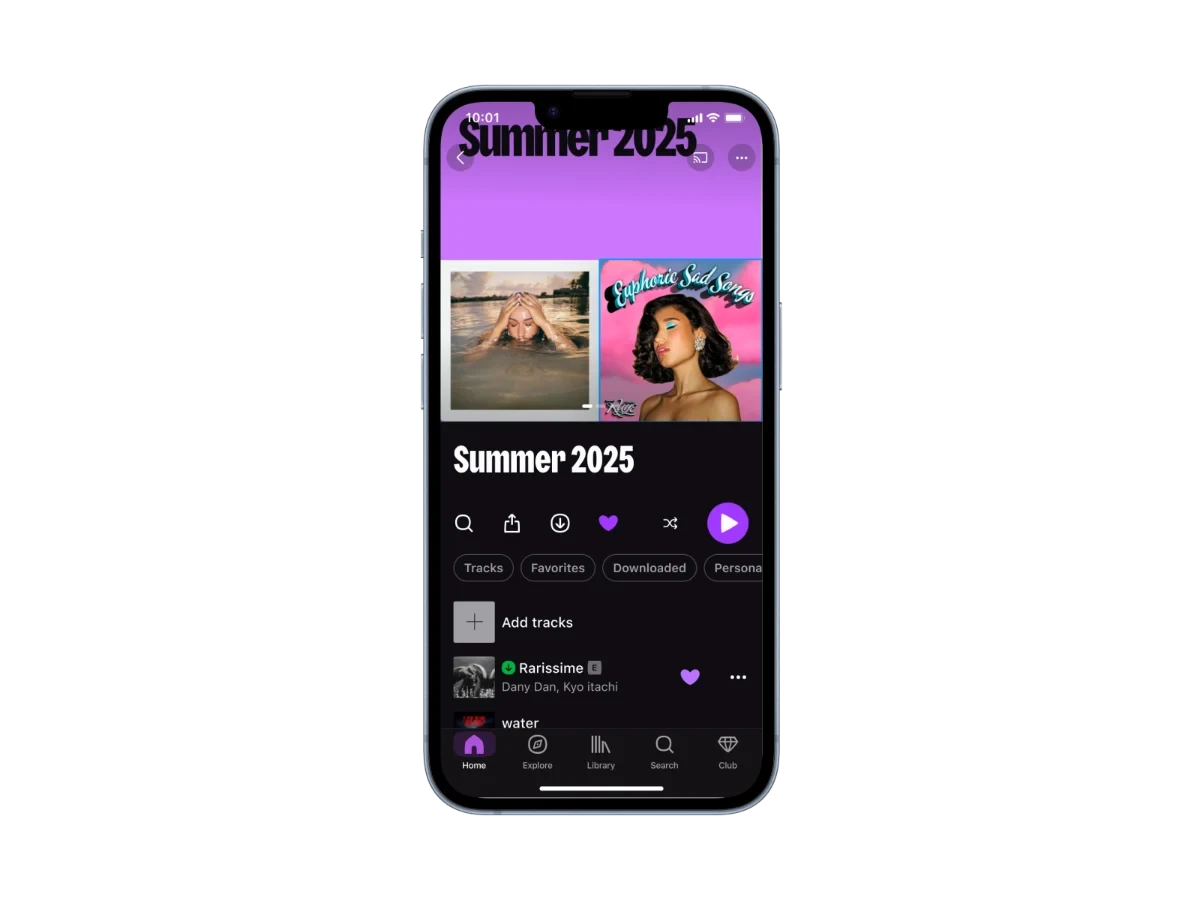 Inside the groupingReady to play, no input needed
Generate rather than ask: no action required before the first benefit.
Filters by genre and by moment
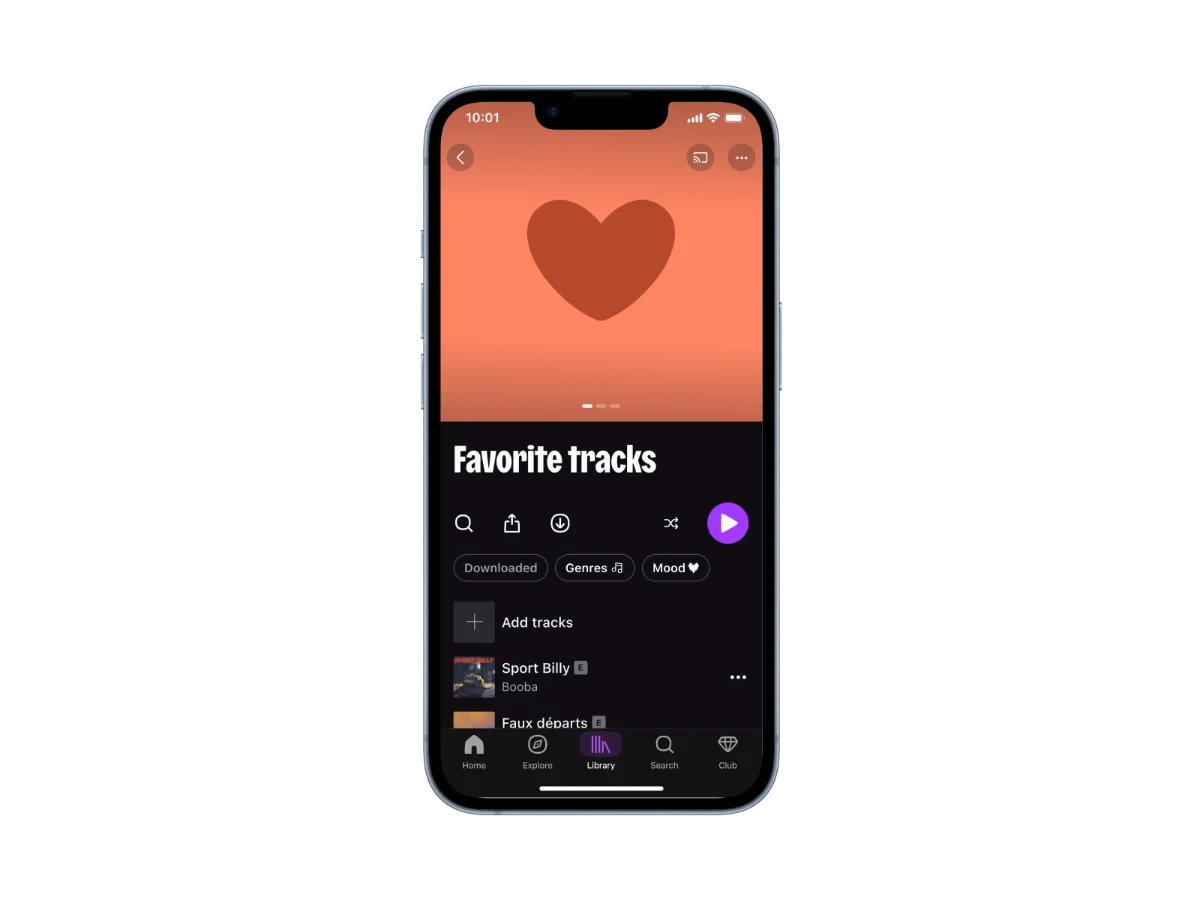 Liked tracksA list that has grown too long
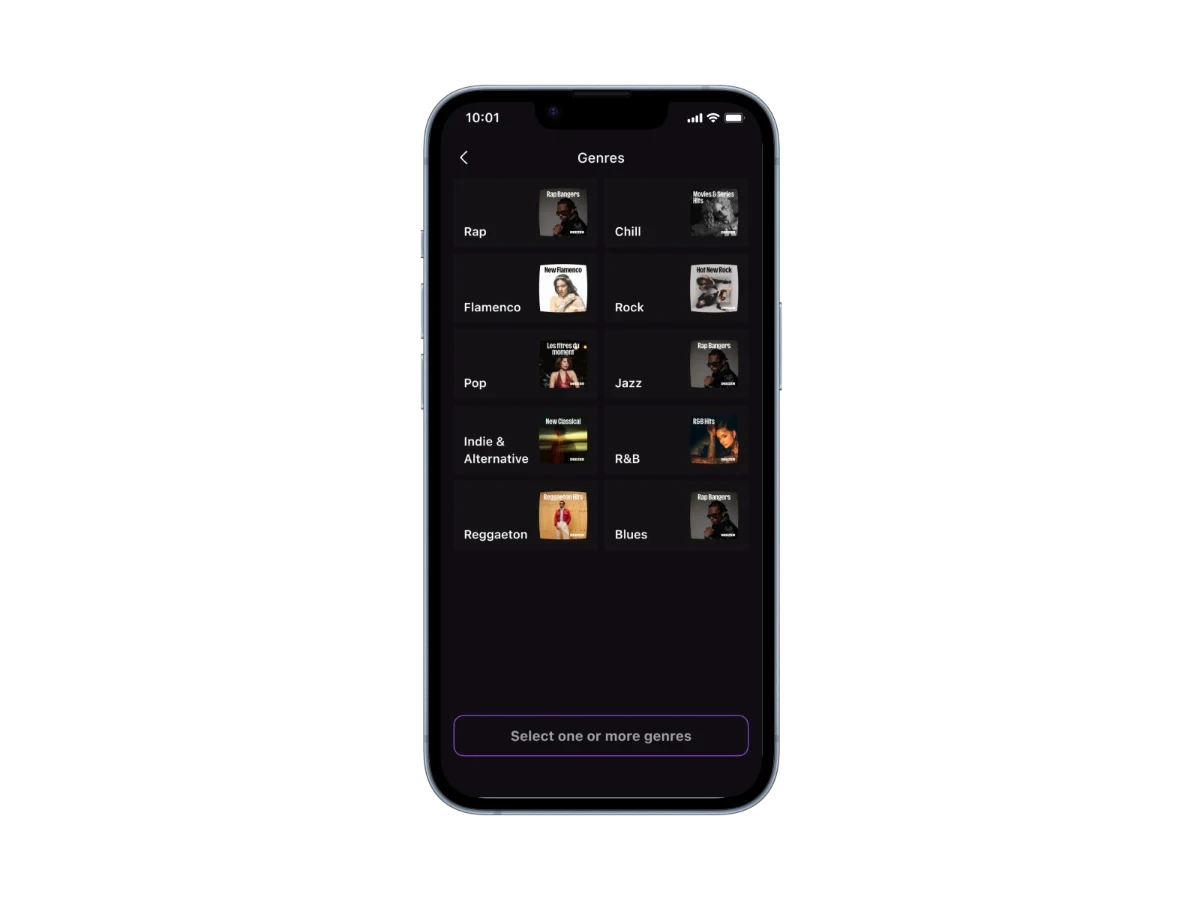 Choosing genresOne or more, taken from the interviews
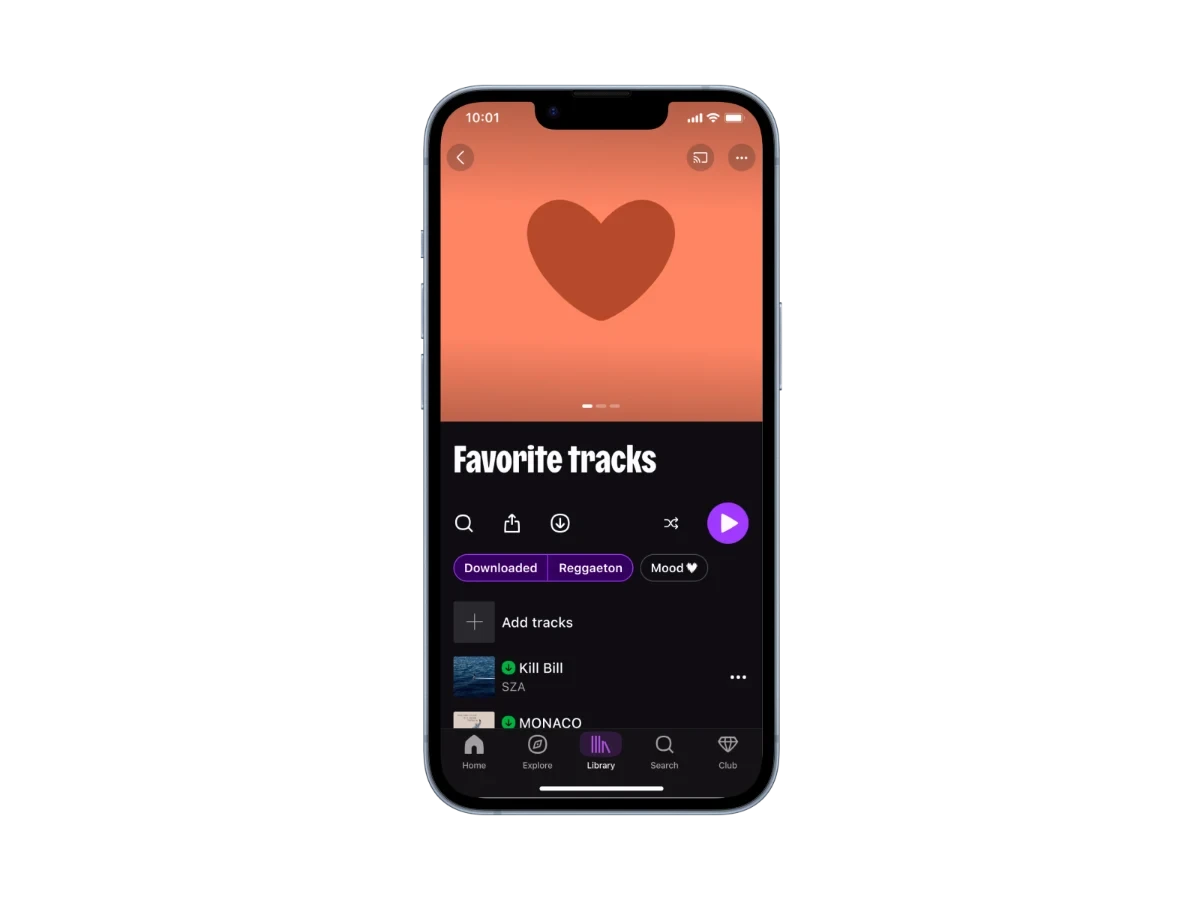 A narrower selectionThe list cut down to what is needed right now
Criteria taken from the interviews rather than an invented taxonomy.
User testing
3/4 did not see the switch between the catalogue and the library.
Four one-to-one sessions on an interactive prototype, each covering all three flows, with participants asked to think aloud.
Hypotheses tested
| Hypothesis | Result | Follow-up |
|---|---|---|
| Contextual shortcutsValidated | 3/4 click on a suggestion unprompted | “Speed Dial” renamed to a descriptive term. |
| Smart RetrievalPartly | 2/4 find their content | Changed from two buttons in the bar to two full-width tabs. |
| Fewer workaroundsNot validated | 1/4 goes to the library unprompted | To iterate: discoverability is not yet a reflex. |
Decisions
3/4 did not see this switch
Changed from two buttons in the bar to two full-width tabs.
A label nobody understood
“Speed Dial” renamed to a descriptive term.
Retrospective
The most common blocker was not visual: it was the labels.
Two weeks, five interviews, four tests, and a considerable gap between what we had imagined and what users did.
What I learned
- Test early and smallFour sessions were enough to invalidate one hypothesis out of three. We did not need a larger panel to decide.
Doing it differently
We tested the wording at the same time as the concept.
The labels “Speed Dial” and “Your Moments” blocked users even though they understood the principle. A label comprehension test, run upfront and without mockups, would have saved us a full iteration.
- Show the end of the list in the artist previewThe only friction from the tests that was not fixed
- Test the new labels with four more usersTo check that the fix really solves the problem
- Measure the rate of return to the library after one week